Open the connector link
Click the Claude Cowork button or scan the talk QR code.
For lawyers at the talk
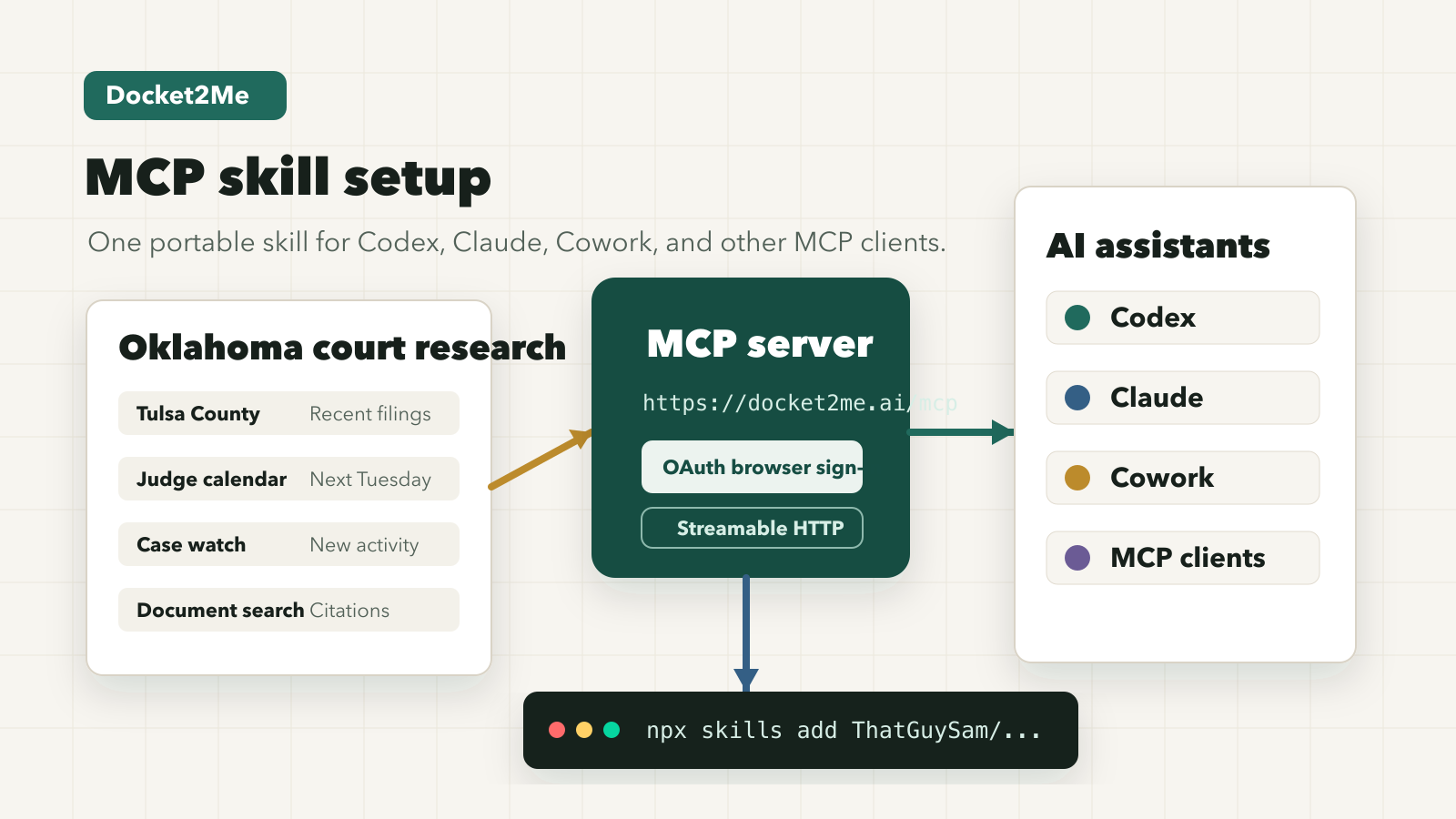
Docket2Me gives Claude Cowork and OpenAI Codex a secure connection to Oklahoma court research tools. Start with Claude if you want the fewest steps; use Codex if you are following the developer demo.
You will review the connection and sign in with Docket2Me before any assistant can use it. Do not enter confidential client facts during the workshop setup.
Easiest path
Use this during the talk. The button opens Claude's custom connector flow with Docket2Me's name and server URL already filled in.
Click the Claude Cowork button or scan the talk QR code.
Confirm the Docket2Me connector in Claude before signing in.
Start with public-record examples and cite returned sources.
Prompt-first path
For lawyers using Codex Desktop, start with a prefilled setup prompt. Codex can add the Docket2Me MCP server, then OAuth still happens in the browser.
It starts a new Codex thread with the setup request filled in.
I want to connect Docket2Me to Codex for lawyer-supervised Oklahoma court research.

Please add the Docket2Me remote MCP server:
- Name: docket2me
- URL: https://docket2me.ai/mcp
- Auth: OAuth

Use Codex's MCP setup flow. If you need to run terminal commands, run:
codex mcp add docket2me --url https://docket2me.ai/mcp
codex mcp login docket2me

Do not inspect, print, or store secrets. Authentication should happen only through the normal browser sign-in flow.

After setup, confirm Docket2Me is connected and suggest a safe public-record test query. Do not ask me to paste confidential client facts into the setup prompt.Use this for the live technical demo or CLI-first attendees.
codex mcp add docket2me --url https://docket2me.ai/mcp && codex mcp login docket2meCodex Desktop supports prefilled new-thread links. OpenAI does not document a silent MCP-install link, so this keeps setup reviewable.
Fallback details
Use these only if a client asks for the server values directly. Docket2Me access is member or beta gated.
docket2mehttps://docket2me.ai/mcpUse safely
These prompts keep the demo on public records and source-linked research. Avoid confidential client facts unless your firm has approved that workflow.
Use Docket2Me to find public Oklahoma cases about breach of contract. Summarize the useful results and cite the source records.Use Docket2Me to summarize recent docket activity for this public case record. Include dates, parties, and source links.